
Generating clicks is only the first step in a successful paid advertising campaign. Once visitors arrive on a landing page, their behavior determines whether those clicks become leads, appointments, purchases, or wasted advertising spend.
Heatmap data can help marketers understand what happens after the click. By analyzing where visitors click, how far they scroll, and which page elements receive attention, PPC Pros can identify potential friction points and make data-informed improvements to landing pages.
Here’s how heatmap insights can contribute to stronger PPC performance and higher conversion rates.
What Is a Website Heatmap?
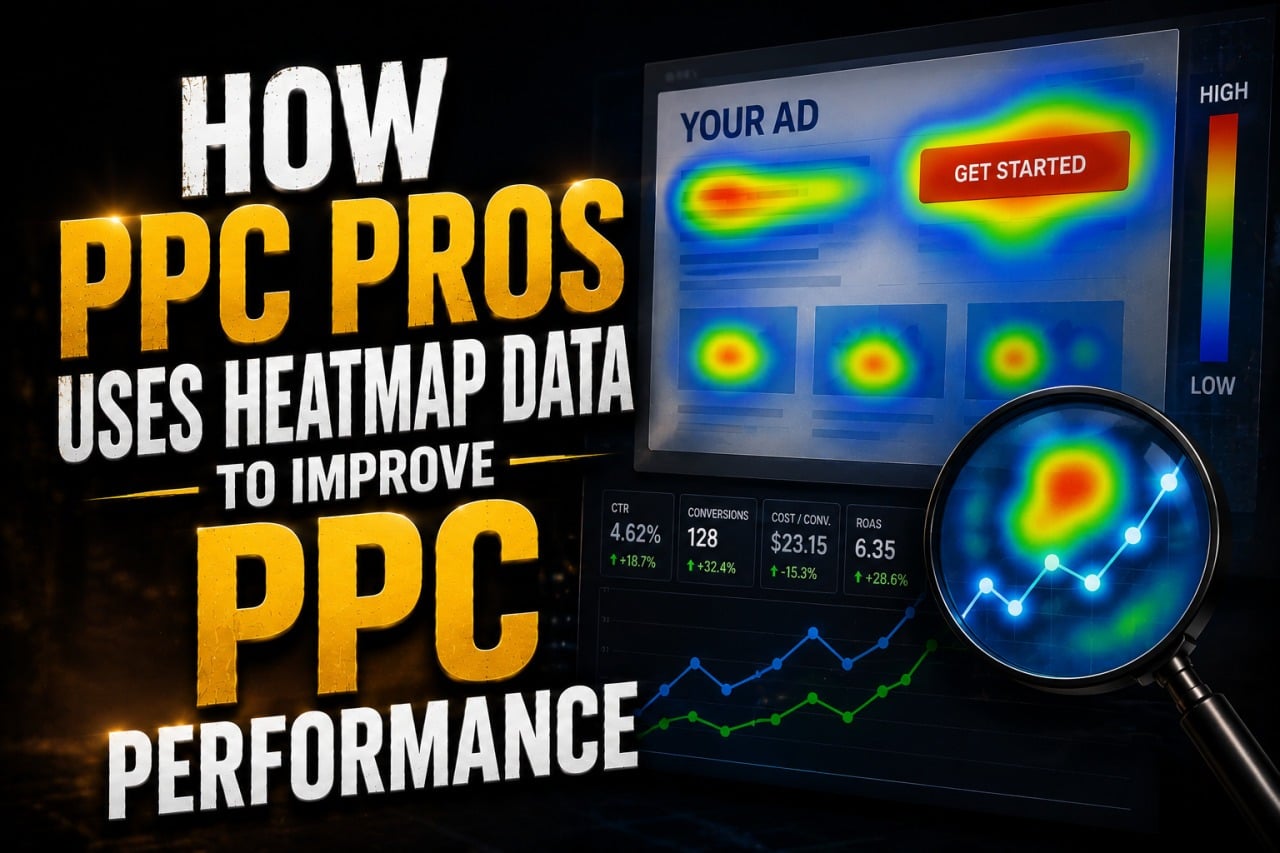
A heatmap is a visual representation of how visitors interact with a webpage. Depending on the analytics tool, heatmaps may display different types of behavior.
Common examples include:
- Click maps
- Scroll maps
- Movement maps
- Attention maps
- Mobile interaction maps
Instead of relying exclusively on numerical reports, marketers can use these visualizations to better understand how people actually navigate a landing page.
Identify Where Visitors Are Clicking
Click maps show which page elements receive the most interaction.
This can help marketers determine whether visitors are clicking on:
- Call-to-action buttons
- Navigation elements
- Images
- Phone numbers
- Forms
- Pricing information
- Non-clickable elements
If users repeatedly click something that isn’t interactive, it may indicate that the design is creating an expectation the page doesn’t fulfill.
Evaluate Call-to-Action Placement
A strong call to action is essential for most PPC landing pages.
Heatmap data can help PPC Pros determine whether important buttons are receiving sufficient attention.
For example, if visitors rarely interact with the primary CTA, marketers might test:
- Moving it higher on the page
- Changing the button copy
- Increasing visual prominence
- Adding another CTA farther down the page
- Simplifying nearby content
The goal is to make the next step easy to understand without overwhelming visitors.
Understand How Far Visitors Scroll
Scroll maps indicate how much of a landing page users typically view.
If a significant portion of visitors leaves before reaching important information, valuable content may be positioned too far down the page.
Important elements can include:
- Key benefits
- Contact forms
- Testimonials
- Pricing information
- Trust signals
- Calls to action
Scroll behavior can help marketers decide whether these elements should be repositioned.
Detect Landing Page Friction
Sometimes a landing page looks excellent but still doesn’t convert effectively.
Heatmaps can reveal potential friction that isn’t immediately obvious from standard PPC metrics.
Examples may include:
- Visitors ignoring the form
- Users repeatedly clicking the wrong element
- Important content receiving little attention
- Excessive interaction with navigation
- Sharp drop-offs before the CTA
These patterns provide clues about where the user experience may need improvement.
Improve PPC Forms
Lead-generation campaigns frequently depend on forms, making form usability especially important.
Heatmap insights, combined with form analytics where available, can help marketers investigate whether users are struggling with the conversion process.
Possible improvements include:
- Removing unnecessary fields
- Simplifying questions
- Improving field labels
- Making forms easier to use on mobile
- Moving the form to a more visible location
Reducing unnecessary friction can increase the percentage of visitors who complete the desired action.
Compare Desktop and Mobile Behavior
Desktop and mobile visitors don’t necessarily interact with landing pages in the same way.
Mobile users may encounter issues such as:
- Buttons that are difficult to tap
- Forms requiring excessive scrolling
- Important information appearing too far down
- Pop-ups blocking content
- Navigation taking up too much screen space
Analyzing mobile behavior separately can help PPC Pros identify problems that might otherwise remain hidden.
Evaluate Landing Page Navigation
PPC landing pages generally need to keep visitors focused on the action that matters most.
If heatmaps show users frequently clicking navigation links and leaving the conversion path, marketers may investigate whether the page contains too many distractions.
Depending on the campaign, testing a simpler navigation experience may help keep visitors focused on:
- Calling
- Booking
- Purchasing
- Requesting a quote
- Submitting a form
The appropriate approach depends on the business and the intent behind the campaign.
Discover Which Content Gets Attention
Not every section of a landing page contributes equally to conversions.
Heatmaps can help reveal whether users are engaging with content such as:
- Benefits
- Service explanations
- Reviews
- Testimonials
- FAQs
- Pricing
- Guarantees
- Case studies
If visitors consistently engage with a particular section, marketers may consider making that information more prominent.
Strengthen Trust Signals
PPC visitors often arrive on a website without knowing much about the company.
Trust-building elements can therefore play an important role in conversion decisions.
Examples include:
- Customer reviews
- Testimonials
- Certifications
- Awards
- Professional affiliations
- Guarantees
- Project examples
Heatmap data can indicate whether visitors are reaching and interacting with these areas of the page.
Use Heatmaps to Develop A/B Tests
Heatmaps are particularly useful for generating hypotheses.
Suppose a scroll map shows that relatively few visitors reach a testimonial section near the bottom of the page. Instead of immediately assuming testimonials are ineffective, PPC Pros might test moving them closer to the primary CTA.
Other tests could involve:
- Headline variations
- CTA placement
- Form length
- Page layout
- Trust signals
- Image placement
- Content order
Heatmap observations can help determine what should be tested next.
Combine Heatmaps With Conversion Data
Heatmaps shouldn’t be evaluated in isolation.
A page may receive many clicks on a particular element without those interactions producing meaningful business results.
That’s why heatmap insights should be considered alongside metrics such as:
- Conversion rate
- Cost per conversion
- Lead quality
- Revenue
- Bounce or engagement metrics
- Return on ad spend
Combining behavioral and conversion data provides a more complete understanding of landing page performance.
Analyze Behavior by Traffic Source
Not every visitor reaches a landing page with the same intent.
When analytics tools and traffic volumes allow meaningful segmentation, marketers may compare behavior from:
- Paid search
- Organic search
- Social advertising
- Referral traffic
Paid search visitors may behave differently because they arrive after searching for a specific product or service.
Understanding those differences can help create landing pages specifically optimized for PPC traffic.
Avoid Making Decisions From Too Little Data
Heatmaps can look convincing even when the sample size is small.
Marketers should avoid redesigning a landing page based on the behavior of only a handful of visitors.
Instead, allow enough traffic to accumulate before drawing conclusions. The amount needed will vary depending on traffic volume, page complexity, and the significance of the decision being considered.
Turn Behavioral Insights Into Better PPC Results
Heatmap analysis ultimately matters because of what marketers do with the information.
When behavioral insights reveal unnecessary friction, improvements to the landing page may contribute to:
- Higher conversion rates
- More qualified leads
- Lower cost per acquisition
- Better mobile usability
- Improved customer experience
- Greater value from existing PPC traffic
Increasing conversion efficiency can allow businesses to generate more results without necessarily increasing their advertising budgets.
FAQs
What does a heatmap show on a PPC landing page?
Depending on the tool, a heatmap can visualize where visitors click, how far they scroll, and other interaction patterns across a landing page.
Can heatmaps improve Google Ads performance?
Heatmaps don’t directly optimize ads themselves, but the insights can help marketers improve landing pages. Better landing page performance can increase the number of conversions generated from paid traffic.
Should heatmaps replace conversion tracking?
No. Heatmaps and conversion tracking serve different purposes. Conversion tracking measures whether important actions occur, while heatmaps can provide additional context about how visitors interact with the page.
Are heatmaps useful for mobile landing pages?
Yes. They can be particularly useful for identifying mobile-specific usability issues, including difficult-to-reach CTAs, excessive scrolling, and confusing page elements.
Why does PPC Pros use heatmap data?
PPC Pros can use heatmap data to better understand visitor behavior, identify possible landing page friction, develop A/B testing hypotheses, and make informed UX improvements designed to generate more conversions from paid traffic.
Final Thoughts
PPC optimization shouldn’t stop at keywords, bids, audiences, and ad copy. The experience users have after clicking an advertisement can be equally important to campaign profitability.
By studying click behavior, scroll depth, mobile interactions, forms, and other landing page patterns, PPC Pros can identify opportunities that traditional advertising reports may not reveal. When those insights are combined with conversion tracking and controlled testing, businesses can make smarter landing page improvements and get more value from the traffic they’re already paying to acquire.